 Alkateia
To share your location with your family, you need an app with this feature, an internet connection, and location permission. In Alkateia, sharing takes place in a closed family space, with entry by invitation and approval from a parent or guardian.
On the way home, during an outing, or when meeting up, location can complement a message and help family members find each other.
Getting started with Alkateia
- Bring your family together: a parent or guardian creates the family and invites people to join. Entry requires approval.
- Allow location access: on the sharing device, grant the permissions requested by the app.
- Choose how to share: check the available options and duration before confirming.
- Check updates: look at the timestamp of the received location and stop sharing when you no longer need to.
Current vs. live location: what is the difference?
Current location reports the position obtained at that moment. Live sharing sends updates while active. Alkateia includes current location, 15-minute sharing, and live options.
Choose according to the situation. A current position may be enough for a meeting point. To share a journey, check the app's options that provide updates.
Who can see your location?
This feature is for authorized family members in Alkateia. The app has no public people search, followers, or open groups. Check who belongs to your family before sharing.
Why might location updates stop?
No internet, weak location signals, disabled permissions, and battery restrictions may delay or prevent updates. Background operation also depends on phone settings.
Always check the last update time. A map point may show the last available position, not the phone's location at that instant.
How do you stop sharing?
Use the option to end or cancel sharing in the app. You can also review location permission in your phone settings; removing it affects features that depend on it.
Conversation and location in one place
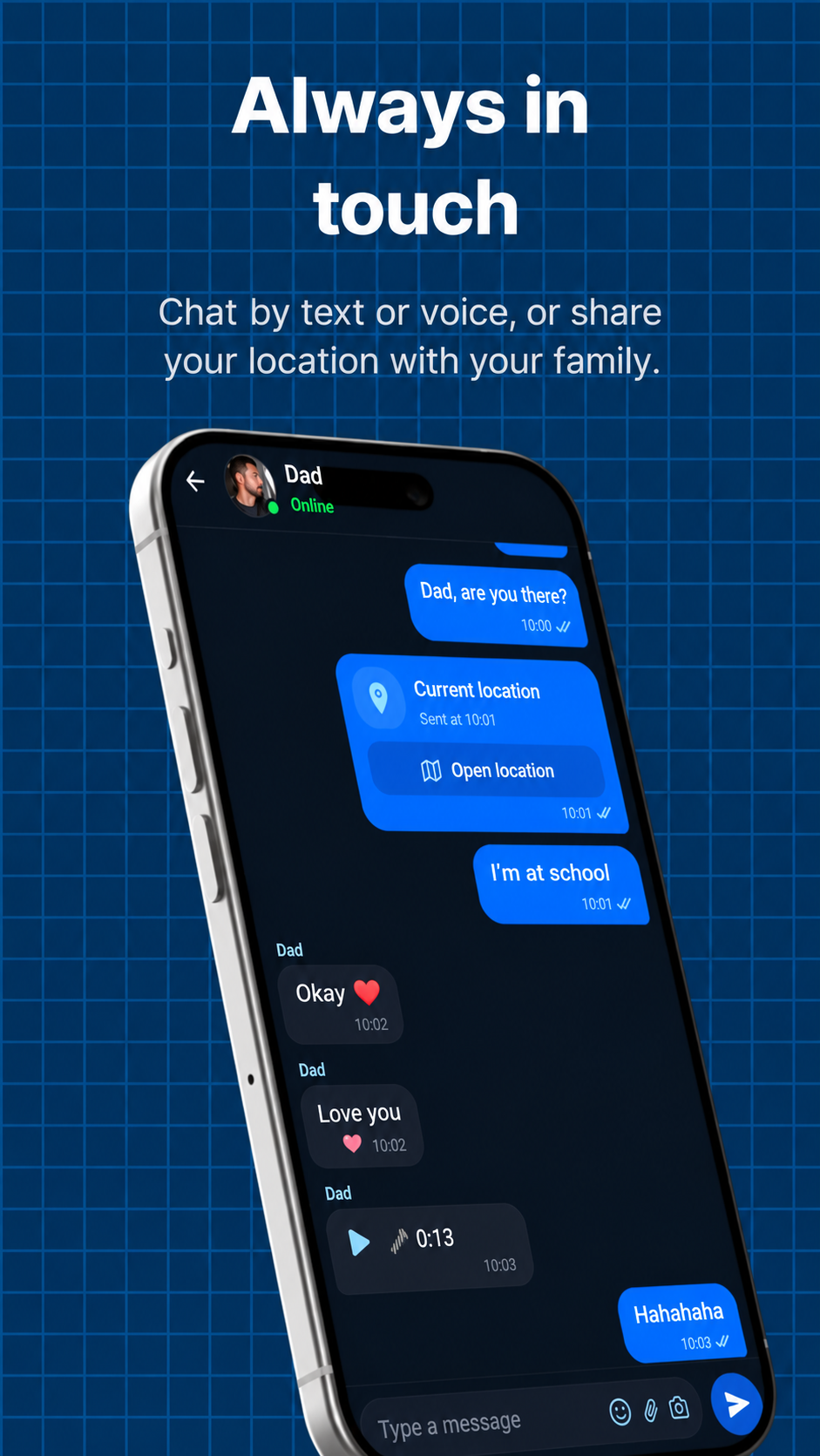
In Alkateia, families also communicate through text and voice messages. If someone is delayed or changes their route, a message adds context to their location.
Does location sharing use battery?
Using location and internet can increase battery consumption. The effect varies by device, signal quality, and sharing duration; there is no single percentage for all phones.
Use a duration that fits your agreement and stop when you no longer need it. If location updates stop, see our guide to connectivity, permissions, and battery.
| Mode | What it sends | When to use it |
|---|---|---|
| Current | A position obtained at that moment | Show where you are or arrange a meeting |
| 15 minutes | Updates during that period | A short journey or brief situation |
| Live | Updates until canceled | When sharing is needed for longer |
Updates depend on connectivity, permissions, and device conditions. Check the position's timestamp.
Sources and references
Sources accessed September 20, 2026. Informational content produced by Alkateia; information about the app describes its own features.