 Alkateia
A private family group helps bring everyday agreements into a space with people you know. In Alkateia, entry requires an invitation and a parent or guardian's approval.
Start with your family in the app
The responsible adult creates the family in Alkateia and uses invitations to add members. The family group is for people approved within that space. Check participants before sharing information.
How does the invitation work?
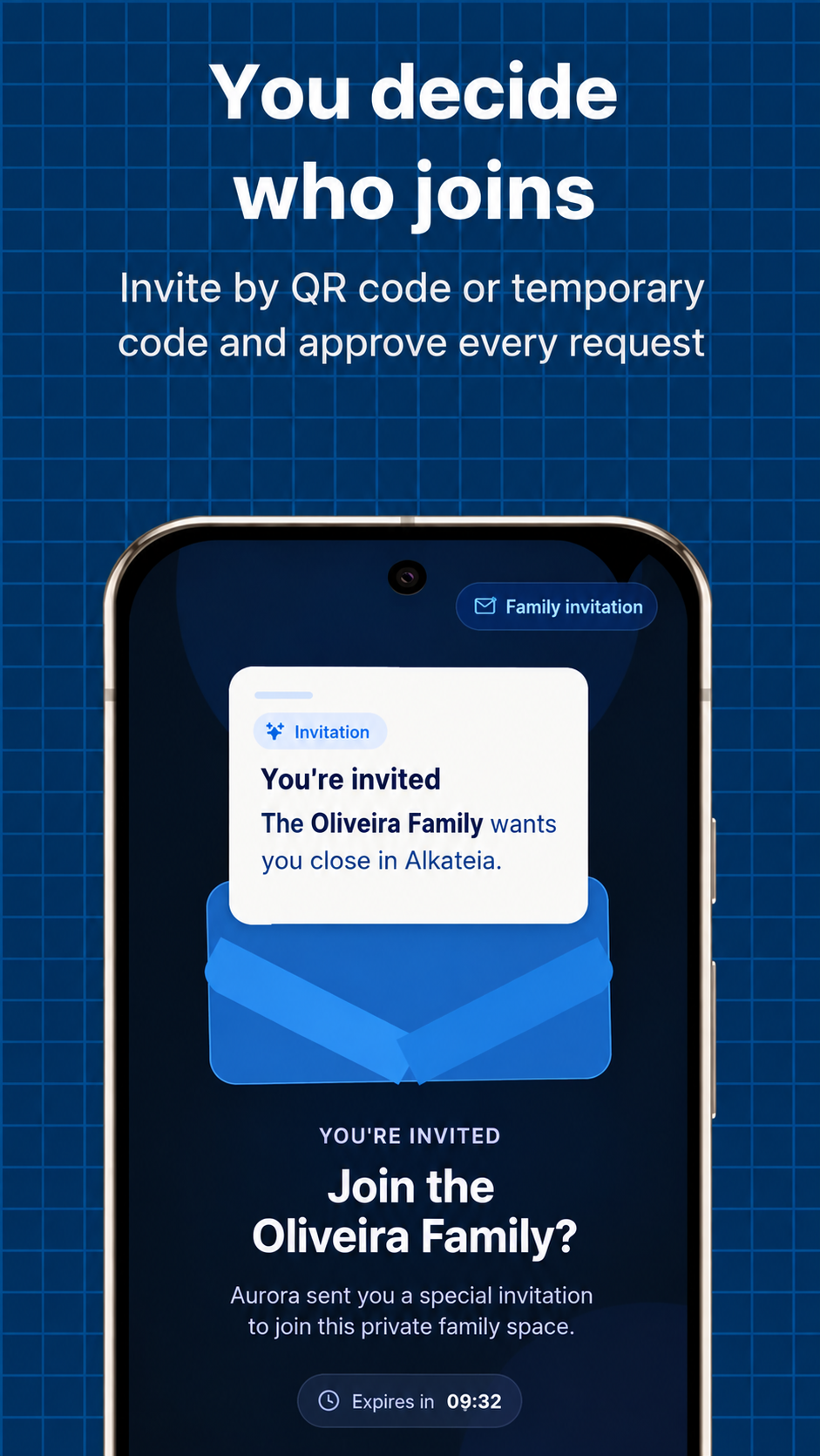
- A parent or guardian generates an invitation in the app.
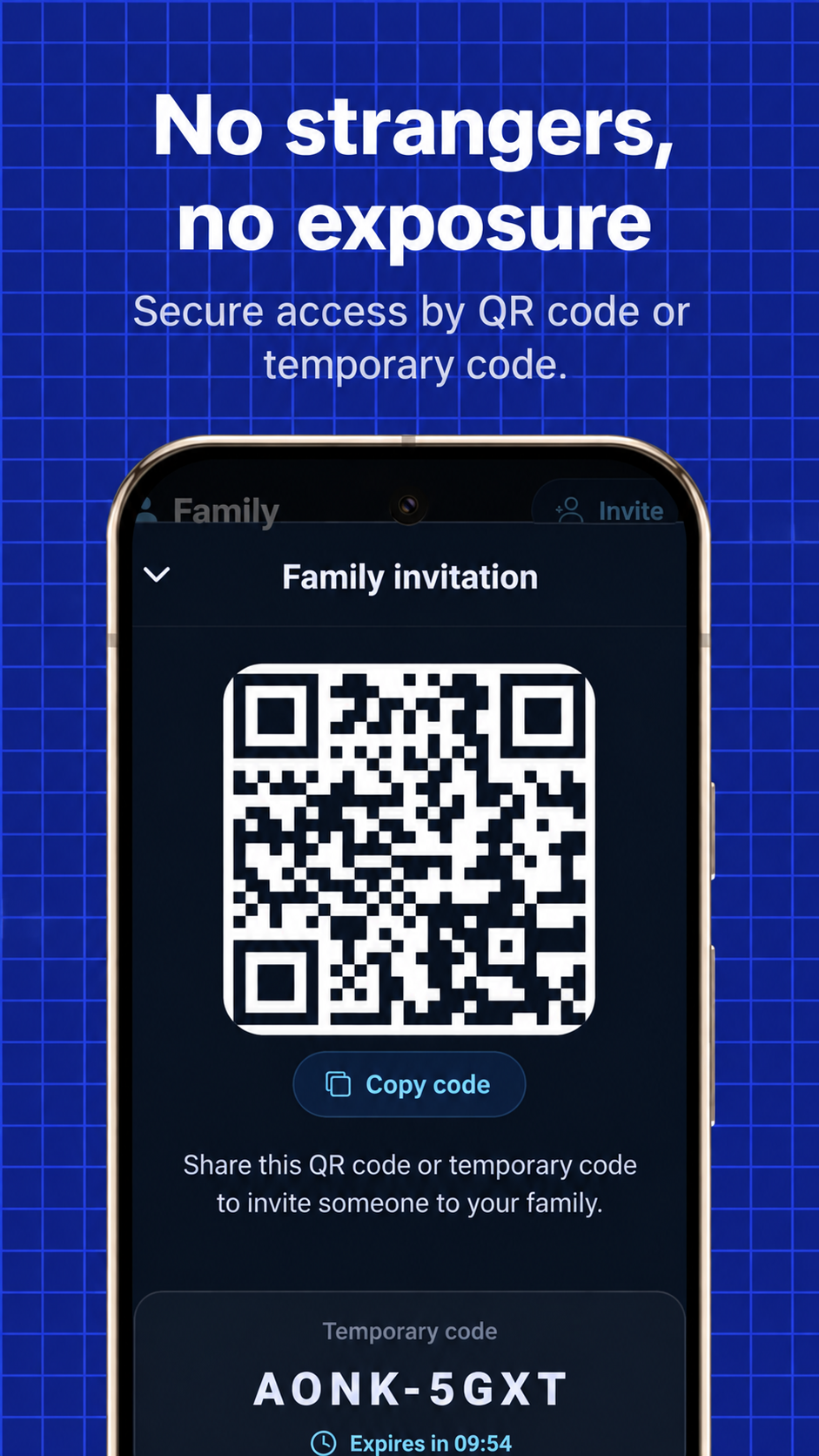
- They share the code, link, or QR code directly with the chosen person.
- The person requests entry using the invitation.
- A parent or guardian checks and approves the request to complete entry.
Invitations are individual, revocable, and expire after 10 minutes. If time runs out, a new invitation is needed. Do not publish codes or QR codes on open social networks.
What can you discuss in the group?
Chat supports text and voice messages. You can arrange times, announce changes of plan, and talk to relatives in other homes. Individual conversations are also available between authorized participants.
Can grandparents and parents living separately participate?
Members do not need to live together. A family can include parents, grandparents, and other authorized relatives within the app's member limit. Entry approval should consider everyone's trust and privacy.
Is the group visible to strangers?
Alkateia has no public family search, followers, or open groups. Approving every request is part of access control. Even in a closed group, discuss what information each person wants to share.
Agree on family rules
Decide how to use the group, when to share location, and how to respond to an SOS. Explain features to children and teenagers in language they understand and keep parents or guardians involved.
QR code, code, or link: valid for 10 minutes
Alkateia invitations expire in 10 minutes. Even after accepting, a person waits for approval from a parent, guardian, or administrator. Confirm identity before approving.
Sources and references
Sources accessed September 20, 2026. Informational content produced by Alkateia; information about the app describes its own features.