 Alkateia
To reduce contact from strangers, review who can message, see the profile, and add the account to groups. Then agree on what to do when a conversation feels uncomfortable. App settings and the ability to ask for help need to work together.
How can I prevent strangers from contacting my child? In each service the child uses, find message, comment, mention, and invitation options. Restrict them to authorized people where possible. Review old followers and contacts: a private profile with hundreds of unverified people can still expose routines. Do not accept an account just because it uses a classmate's photo; confirm elsewhere if unsure. (CERT.br)
Review settings with the child. Ask them to show where invitations and messages arrive; this may reveal paths adults do not know. If an app lacks needed controls, reassess whether it meets the needs of that age and situation.
How can you teach children not to talk to strangers online? Replace vague commands with clear agreements: do not give school or address details to unverified contacts, do not move chats to another app under pressure, and seek help for secrecy, threats, or intimate requests. Explain that strangers may seem kind and known people can also cross boundaries. (SaferNet Brasil)
Practice a phrase such as: “I won't send that. I'll talk to my parent or guardian.” A child can end a conversation without explaining every decision. Make clear they can seek help even after replying, accepting an invitation, or sharing something.
Is there safe social media for children? “Safe” needs clear criteria: intended audience, contact controls, privacy, reporting, data processing, and guardian involvement. No service eliminates all risks. Minimum age, content rating, and maturity are different factors to consider together. (Federal Government of Brazil)
How does Alkateia control who joins? Alkateia is a Brazilian private family communication app. It has no followers, public people search, or open groups. An authorized relative sends a QR code, code, or unique link; the invitation expires in 10 minutes. After acceptance, the parent, guardian, or administrator must still approve entry.
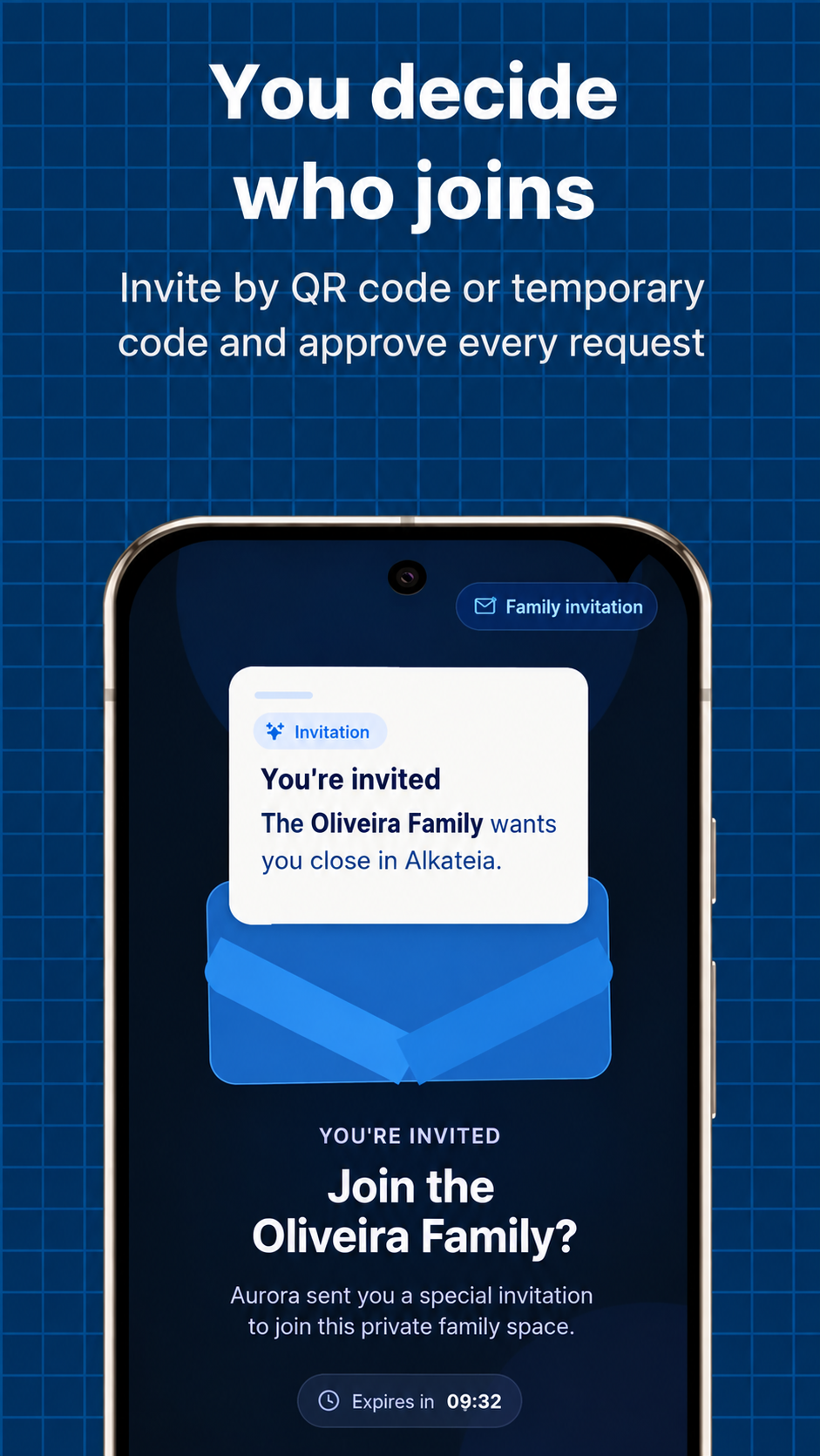
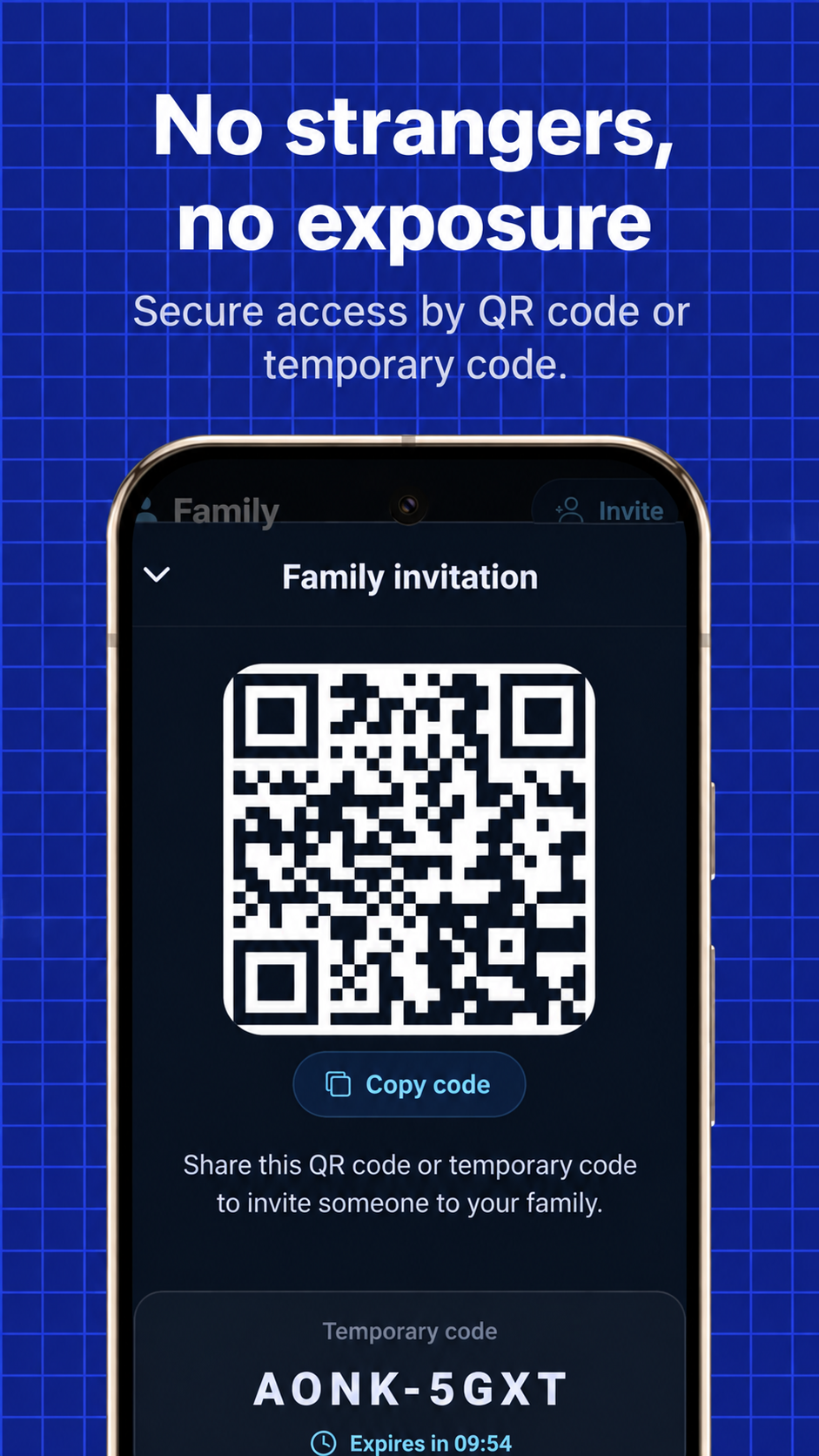
What still depends on the family? Verify invited people's identities, keep invitations off public networks, and discuss what may be shared in the group. Entry controls do not prevent a member from copying information. If a message has caused fear or distress, follow the support and reporting guide. To understand the two-step process, see temporary invitations and QR codes.
Sources and references
- CERT.br — Social Networks Booklet
- SaferNet Brasil — Online child sexual grooming
- Federal Government of Brazil — Screen Use Guide: Recommendations for Families, Tutors, and Guardians
Sources accessed September 20, 2026. Informational content produced by Alkateia; information about the app describes its own features.